Can you control your TV with your smartphone?

/
It takes approx. 1 minutes to read this article

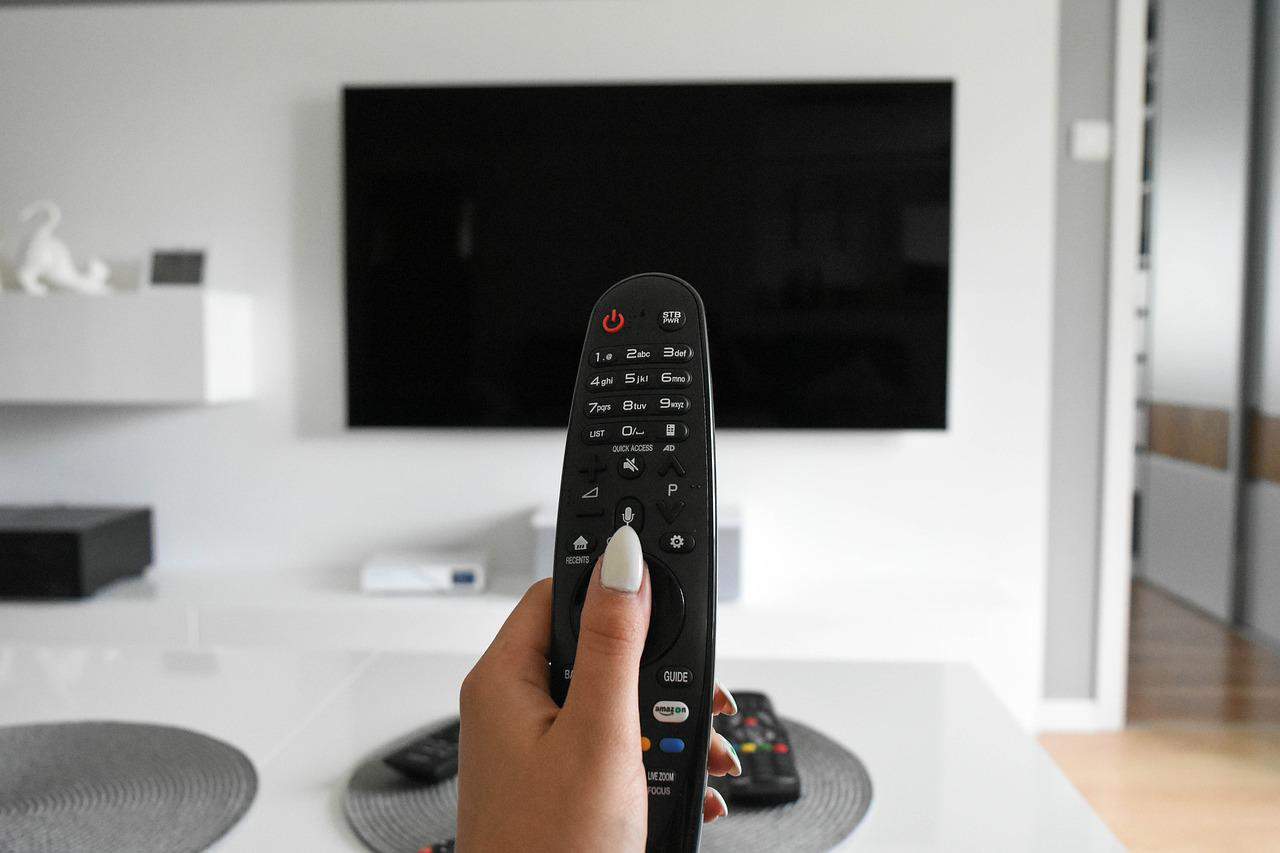
How to turn your smartphone into a remote control for your TV? It turns out that it is not so difficult at all. In a situation where the remote control is lost or damaged, you can do without it. Just choose one of the dedicated applications for this purpose.

How does the application that allows you to control your TV using a smartphone?

Thanks to the popularity of Android, you can use your smartphone as a remote control. It is present both in phones and in Smart TV systems. Then our action comes down to downloading one of the dedicated applications and pairing both devices. It is necessary that both use the same network

Which application to choose?

The desire to control the TV using a smartphone is so popular that many manufacturers have prepared applications designed to control their equipment. We download it to the phone thanks to Google Play. Sometimes there are also offered universal applications for controlling different types of devices. Examples are: Peel Smart Remote and Sure Universal Remote.


Add comment

Your email address will not be published. Required fields are marked *

*

Latest articles
Recommended articles
Photovoltaics – does it make sense?
/
Photovoltaics – does it make sense?
Is photovoltaics cost effective?
The Many Benefits of Solar Panels for Non-Profits
/
The Many Benefits of Solar Panels for Non-Profits
Solar panels can often generate more energy than their owners need, which means that extra energy can be sold back to utility companies, providing a source of additional income. All of this makes solar panels an incredibly efficient and environmentally friendly choice for non-profits looking to reduce their energy costs and environmental impact.
Automatically operated outdoor blinds – key information
/
Automatically operated outdoor blinds – key information
Wondering if automatic outdoor blinds are needed in your home? Find out how they work, what they are made of, and their benefits, and decide!